LASER CUTTING
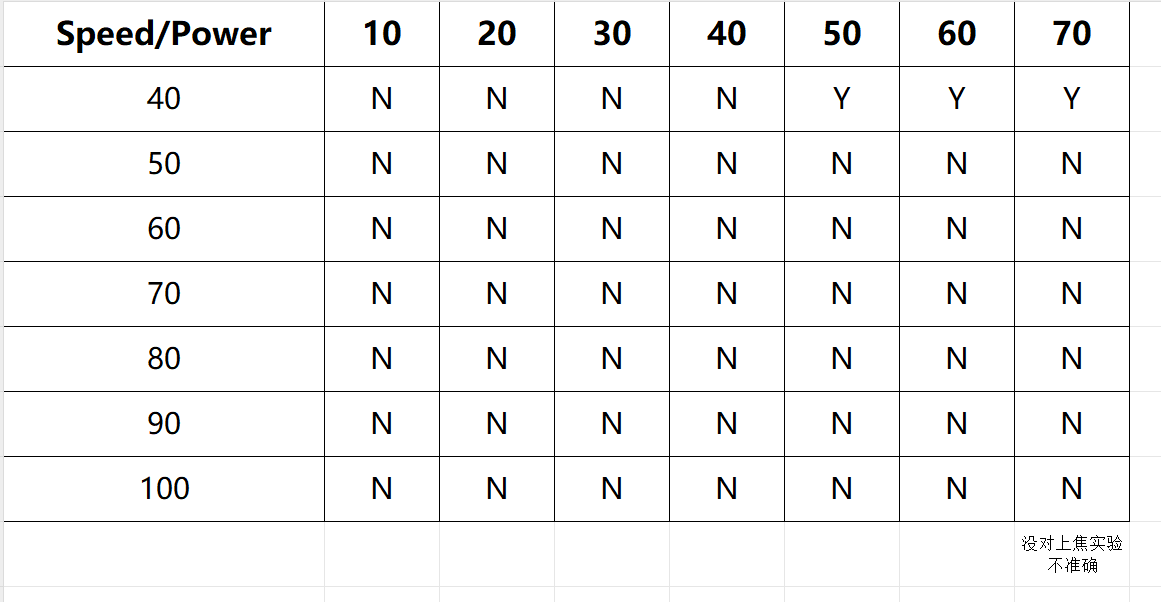
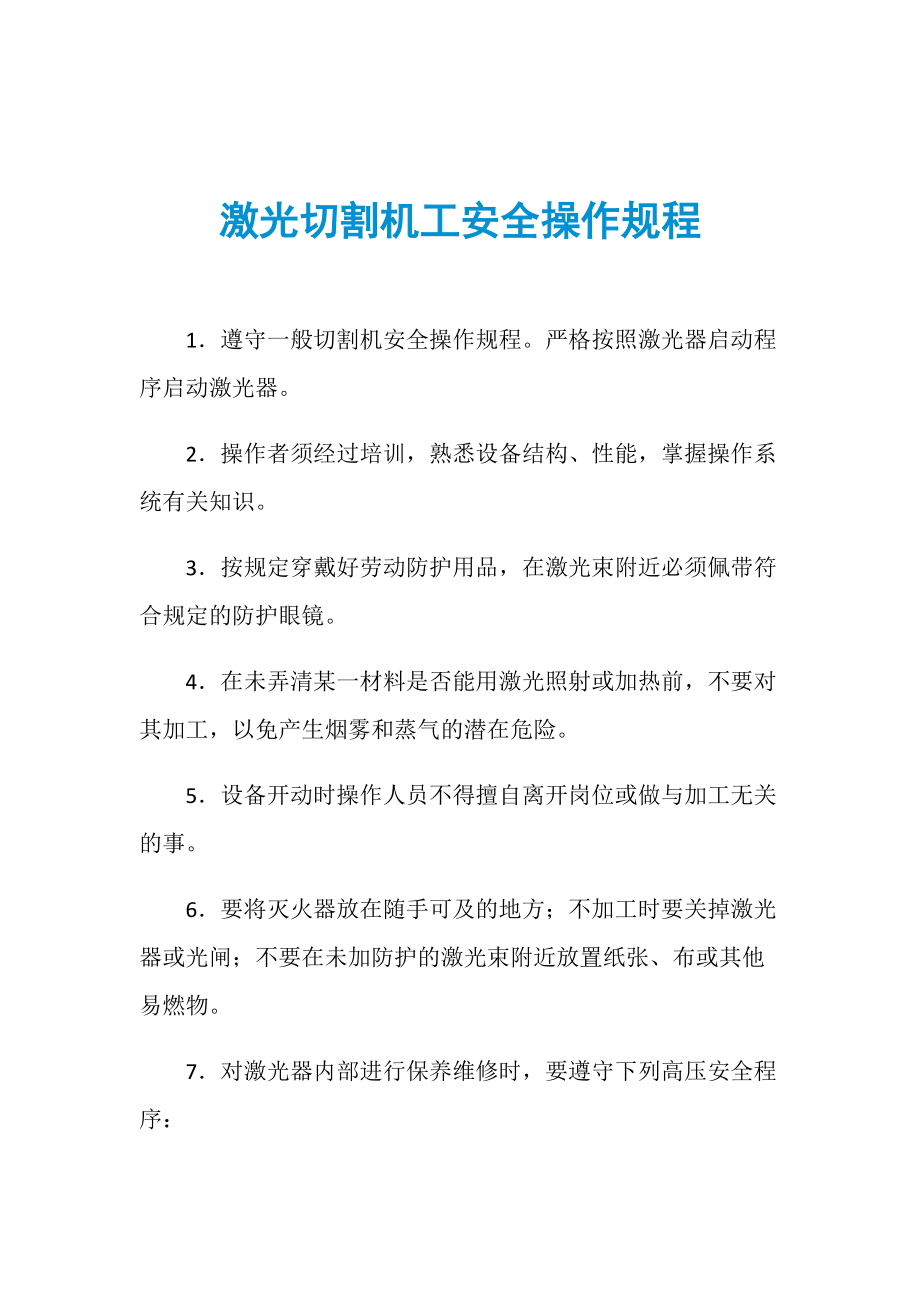
1. Learn how to keep safety
Selection and use of laser protective glasses:
Make sure to use protective glasses that are appropriate for the type and power of the laser, usually labeled with the type of laser and level of protection applicable. And ensure that the protective glasses are not damaged or worn during use, and replace the damaged protective glasses in time.
Inspection and use of equipment safety features:
Test the function of the emergency stop button before each operation. These buttons are usually located in an easily accessible part of the operating area to quickly stop the device in case of an emergency. Ensure that the laser cutting equipment's protective cover is intact and properly installed. The shield can effectively reduce the direct exposure of laser radiation to the operator.
Security Settings for the operation area:
Place the laser cutting equipment on a stable workbench and ensure that the equipment is level to avoid accidents caused by shaking or tilting the equipment. Set up an appropriate working space in the operation area and ensure that there is no debris or obstacles around to prevent the operator from tripping or bumping into the equipment.
Waste disposal and soot control:
Use effective exhaust system and smoke extraction equipment to quickly discharge smoke and harmful gases from the operating area to keep the air fresh and the health and safety of the operator. Clean equipment and operating areas regularly, especially where waste and by-products accumulate, to avoid the risk of dust or carbon buildup.
Emergency response and preparedness measures:
Place clearly marked first aid kits and eye douches near the operation area and ensure that all operators know their location and how to use them. Develop and practice an emergency evacuation plan, including how to safely shut down equipment and leave the operation area.
2. Learn different kind of material which can be manufacture by laser cutter
Metal materials:
Machine Type: Fiber Laser Cutting machine:Fiber laser cutting machine uses fiber as the medium for laser transmission, and the laser source is usually a high-energy fiber laser. Fiber laser cutting machines are suitable for thinner sheet metal and higher cutting speed requirements, usually dealing with a thickness of a few millimeters to about 20 millimeters of sheet metal. They have high cutting accuracy and small cutting width, suitable for detailed and complex cutting tasks. Steel(Q235) and stainless steel(AISI 304): Laser cutting machine for steel and stainless steel processing is very common, can be used to manufacture a variety of mechanical parts, structural parts, etc. Aluminum(1050): Aluminum alloy is often used in the aerospace and automotive industries because of its good thermal conductivity and processing properties, and laser cutting is suitable for its processing. Copper(C11000) and brass(C26000): These conductive materials are widely used in electronics and art manufacturing, and laser cutters can process them efficiently.
Non-metallic materials:
Plastic: Laser cutting for a variety of plastic materials such as propylene, polycarbonate, etc., are suitable for manufacturing models, signs, parts, etc. Wood and wood products: Wood, MDF panels, etc., are common in the manufacturing of furniture and decorations, and laser cutting machines can perform precise engraving and cutting. Leather and fabric: Used in the manufacture of clothing, footwear, bags, etc., laser cutting can achieve fine patterns and edge treatment.
Other materials:
Glass and ceramics: Laser cutting machines can process glass and ceramics to a certain extent for making ornaments and crafts. Paper and fiberboard: Commonly used in the printing and packaging industries, laser cutters can cut and carve efficiently.
3. Power and Speed Test
1. Purpose of Power and Speed Testing:
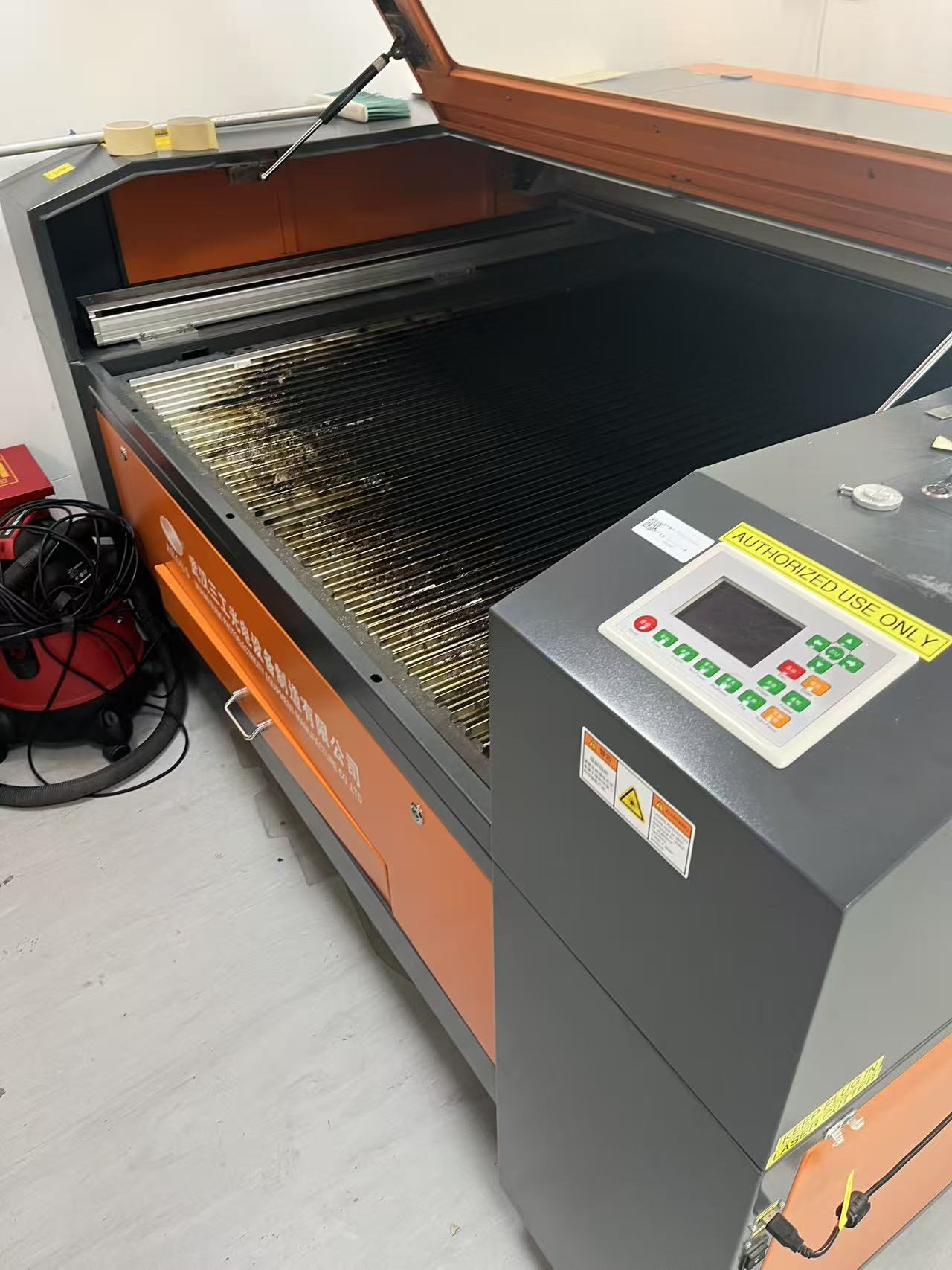
Power and speed settings directly affect the quality and efficiency of the laser cutting process. By testing different power and speed combinations, you can find the optimal settings for various materials, ensuring precise cuts and reducing material wastage.
2. Hierarchical Test Pattern Setup:
The software used for laser cutting typically allows for setting power and speed parameters in a hierarchical structure. This means different areas of the test pattern can be assigned different settings for power and speed, allowing you to assess the effects of varying these parameters in different regions of a material.
- Power Control: Adjusting the laser power affects the cutting depth and heat concentration, and may also influence the material’s surface quality.
- Speed Control: Changing the cutting speed can impact the cutting edge smoothness and overall time it takes to complete a task. Higher speeds may lead to rougher edges, while slower speeds may result in finer details.
3. Test Pattern Design:
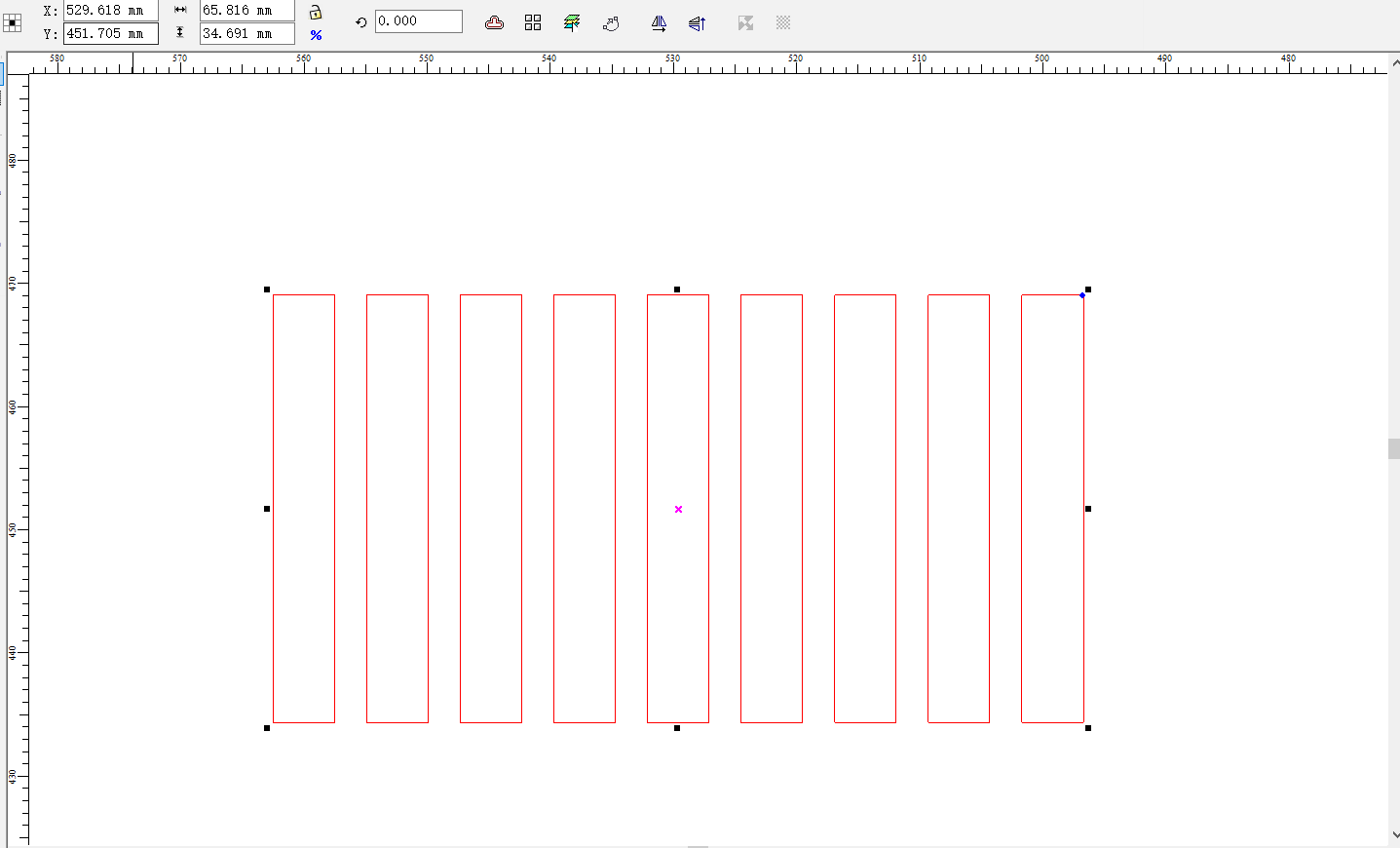
A typical test pattern includes a combination of different shapes (circles, squares, and lines) at various power and speed settings. The design should allow for a clear comparison of how the laser behaves under different conditions.
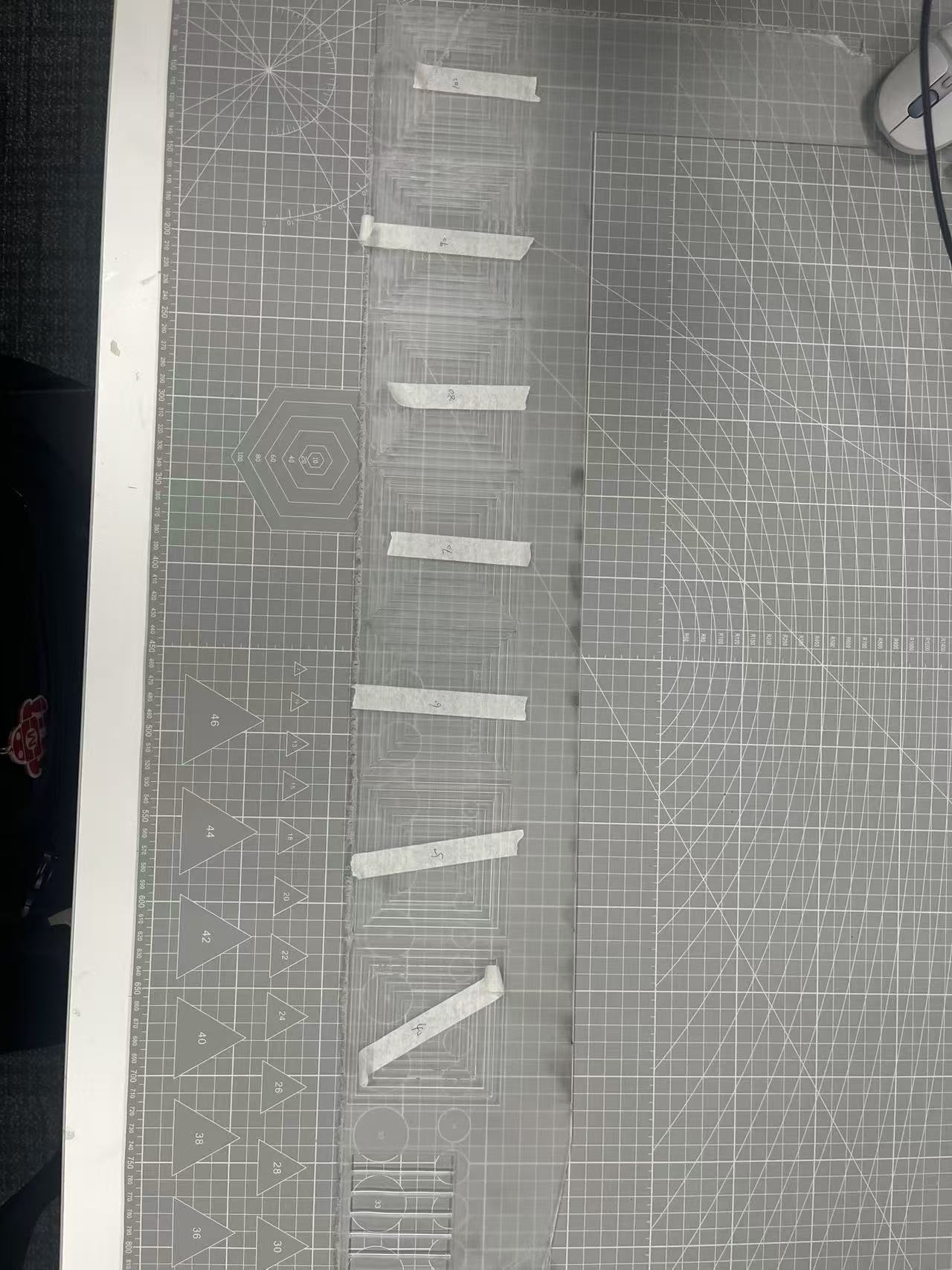
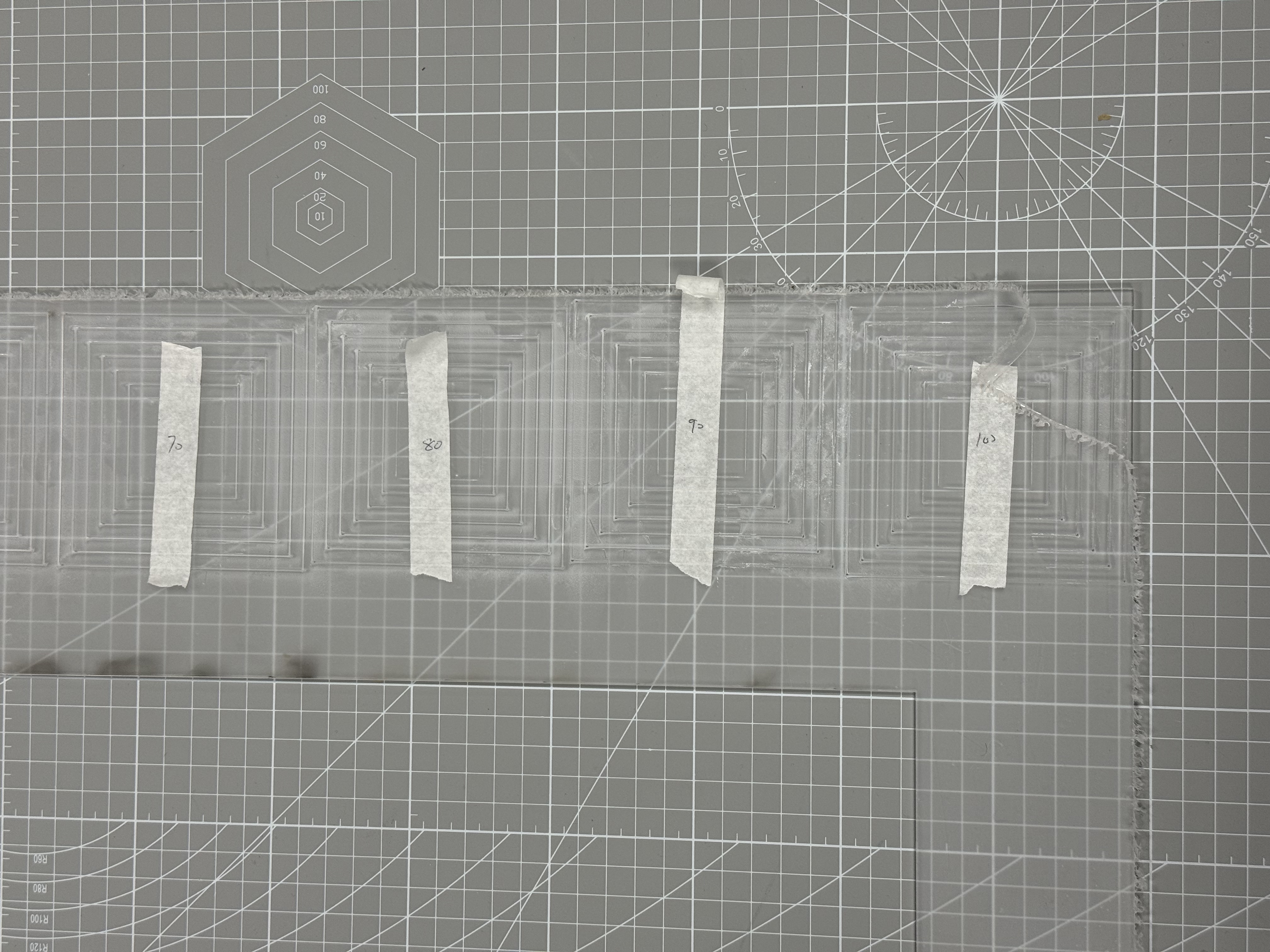
Example Test Pattern:
- Square 1: High power, slow speed (Deep cut and fine edge)
- Square 2: High power, fast speed (Shallow cut with potential for rough edges)
- Square 3: Low power, slow speed (Fine cut with minimal burn)
- Square 4: Low power, fast speed (Shallow cut, less precision)
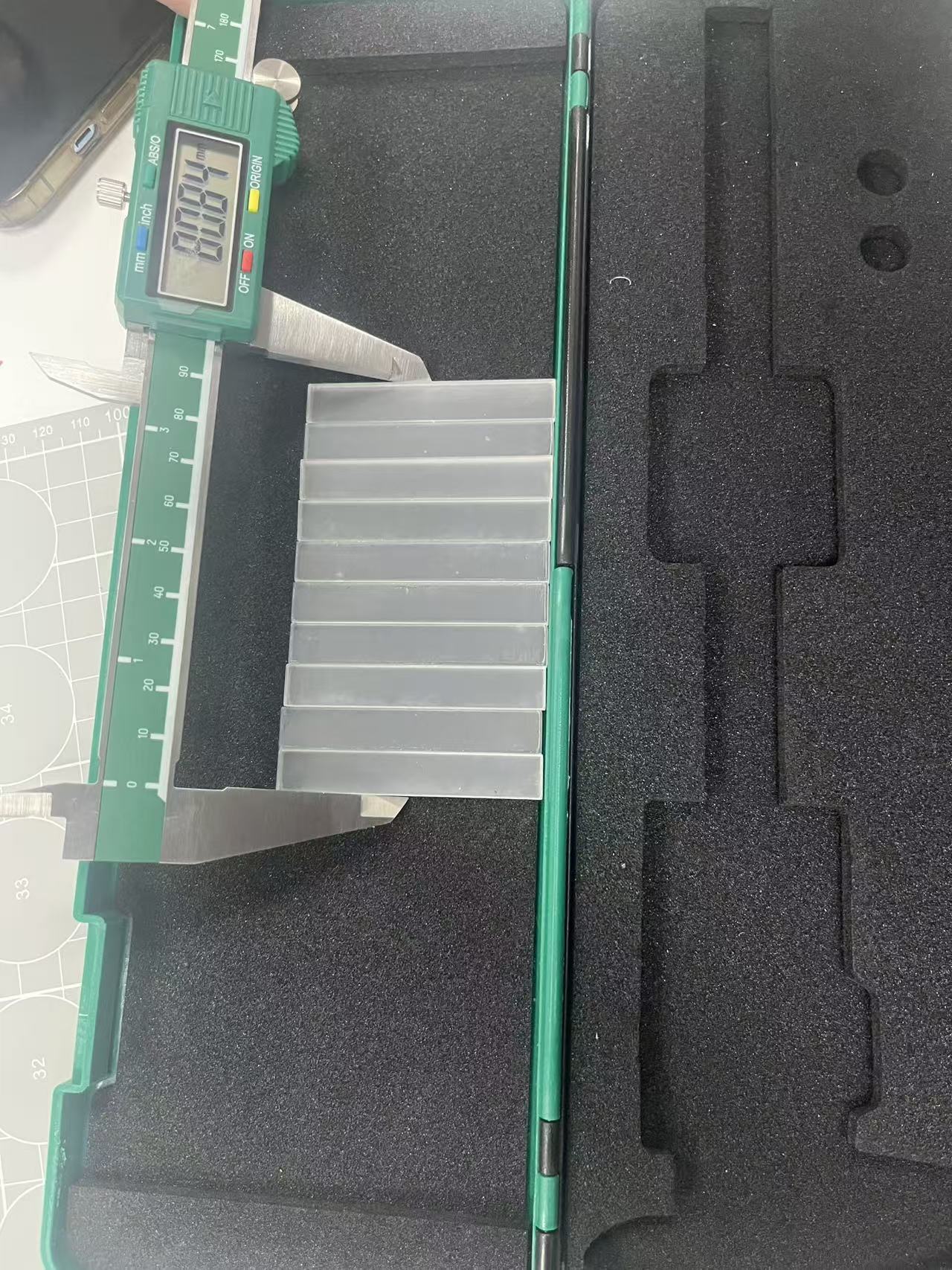
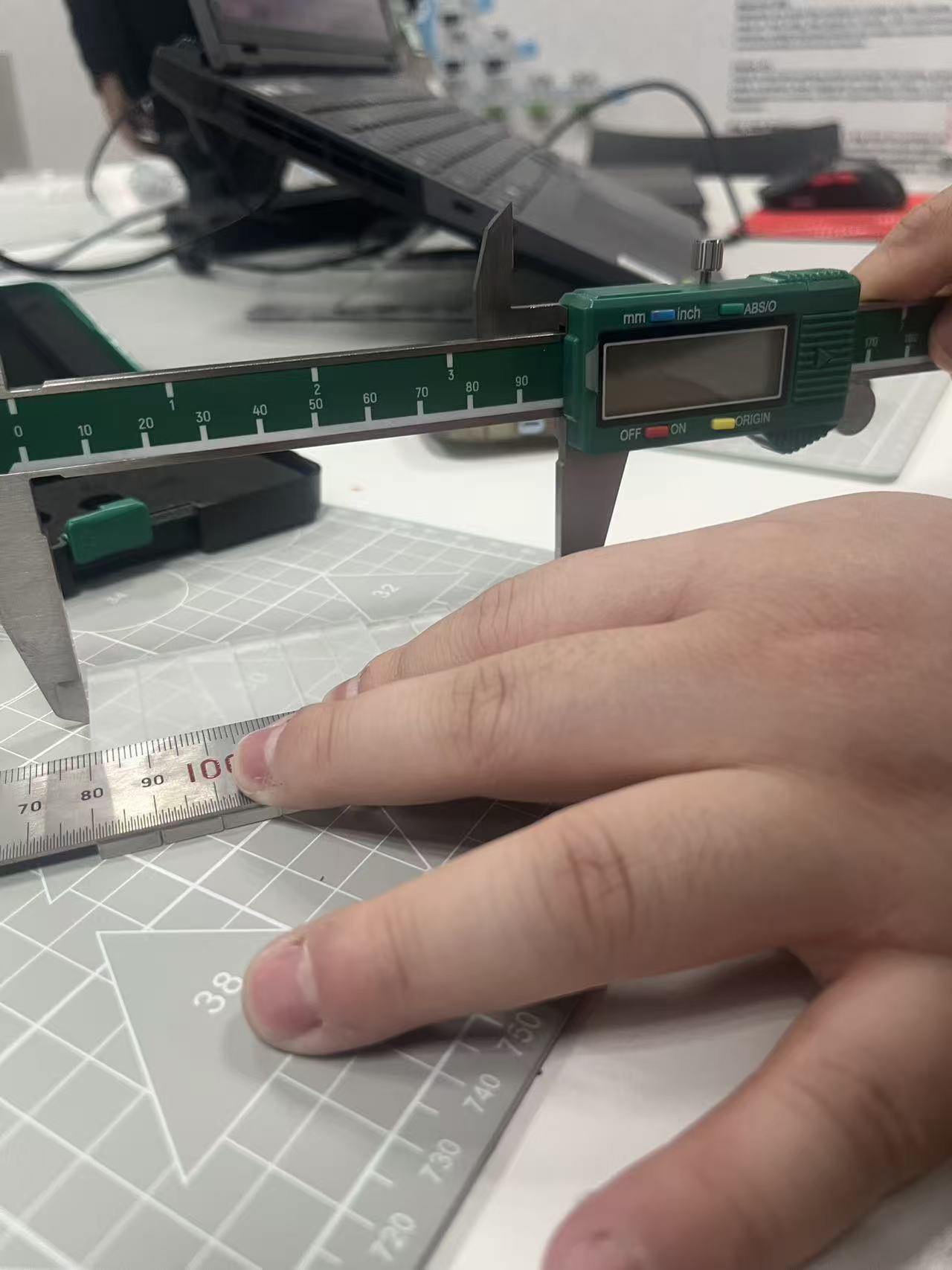
4. Evaluation Criteria:
After performing the test, inspect the results based on the following criteria:
- Edge Quality: Is the edge smooth, or does it have a rough texture?
- Cutting Depth: Is the material cut through properly, or is there any residue left?
- Burn Marks: Are there noticeable burn marks around the edges of the cut?
- Cutting Speed: Was the speed efficient for the material type without compromising quality?
5. Adjusting Power and Speed:
- Materials requiring high precision (e.g., thin metal or delicate plastics) should use a lower speed and moderate to high power to ensure fine details without excessive burning.
- Thicker materials (e.g., wood or acrylic) may require higher power and slower speeds to ensure complete cutting through the material.
6. Record and Compare Results:
Document the results of your test patterns for future reference, comparing different power and speed combinations to determine the optimal settings for specific materials.