Electric Design
To build your own electric circuit PCB board is done possible with open source software 嘉立创EDA. Download link below.
https://pro.lceda.cn/
JIA LI CHUANG EDA
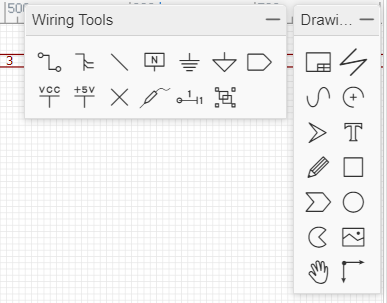
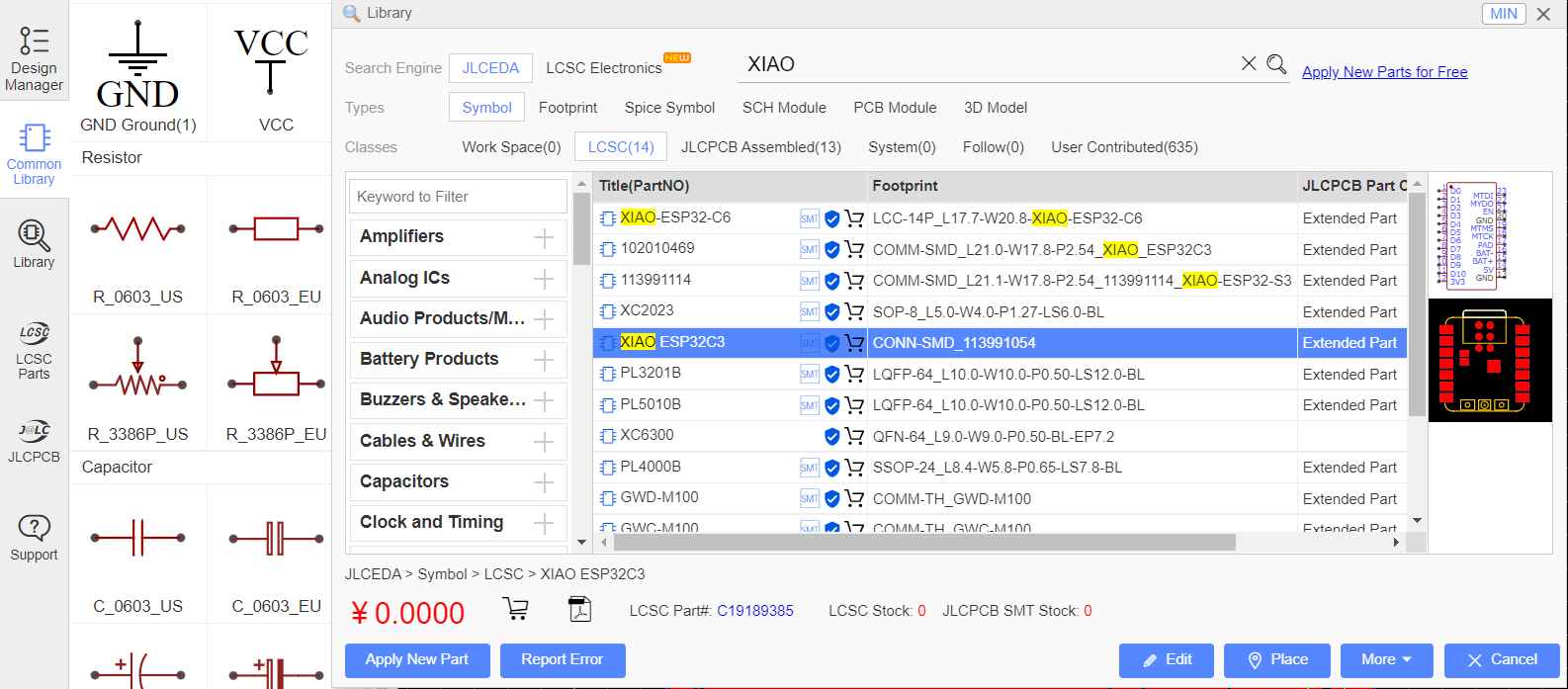
Once software is downloaded you can register for free acount to start creating your own PCB. The first screenshot shows the tool bar. This is where you can find projects you have, common library, library(components you can search for to add). On second screenshot there is wiring tools and drawing tools that can be chosen to draw your design. Last screenshot is an example of searching library in EDA. For my PCB board I wanted to use XIAO ESP32C3 thus by searching in the library I found the model I needed and placed it onto the sketch sheet. 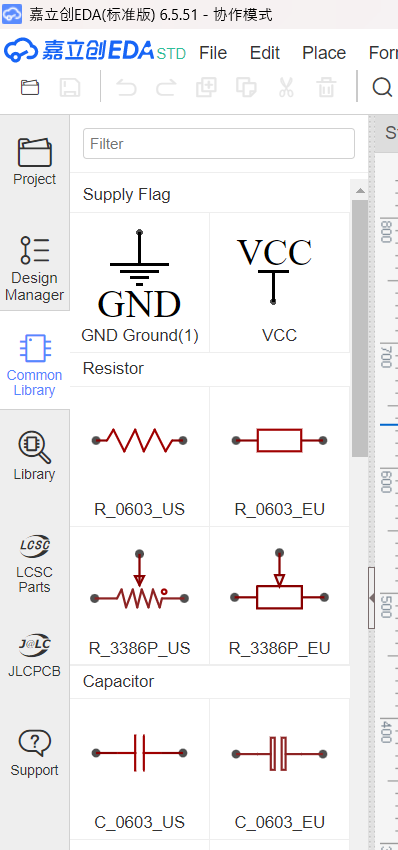
Sketch and PCB
These are my first attempts on creating a PCB board. The thought process was to have 3 LED lights being controlled by 3 seperate switches. There was an issue where the pins I created did not actually connect all the wires I want when I finished the sketch an entered PCB to wire. As shown below, only the volt was connected and no GND was showing lines for connection.
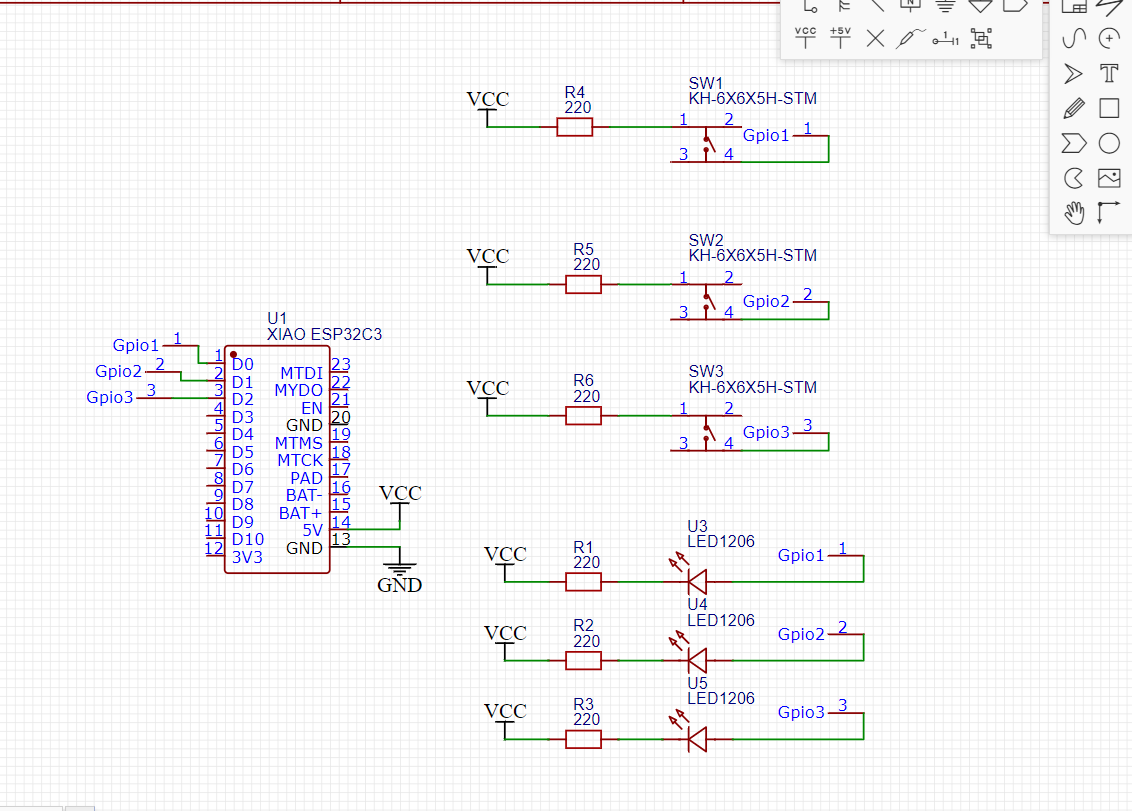 | 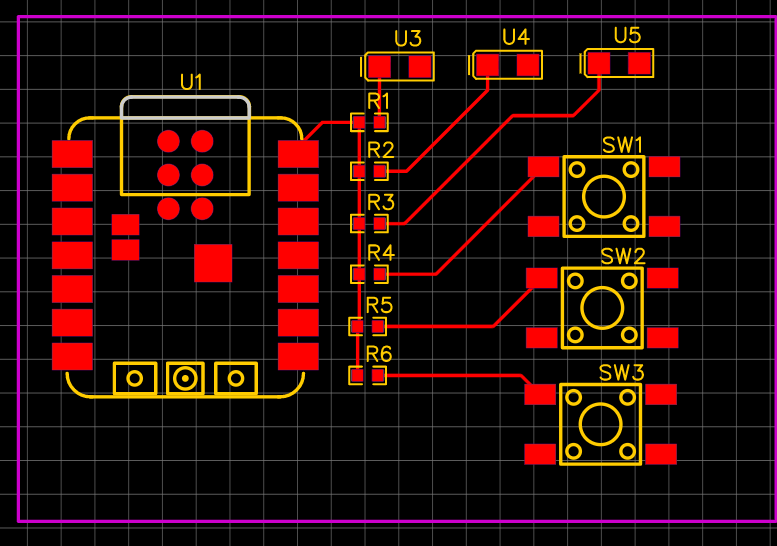 |
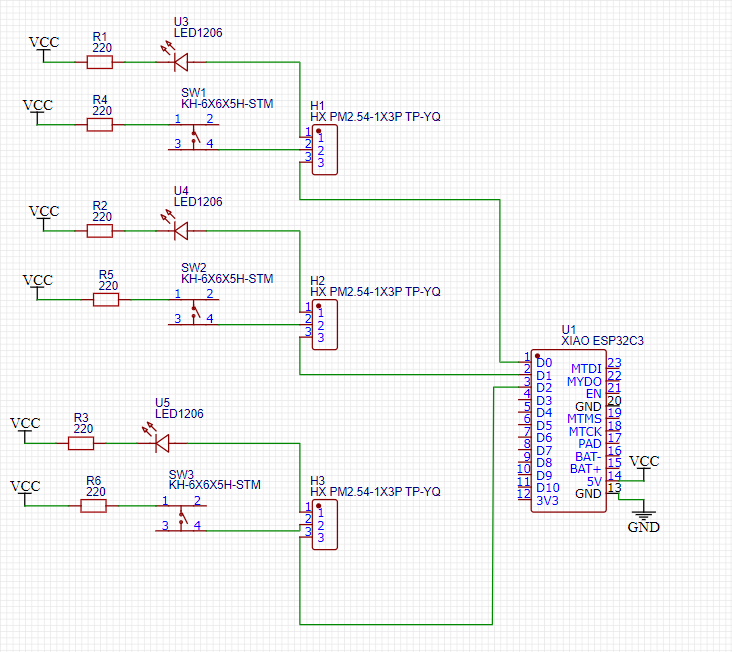
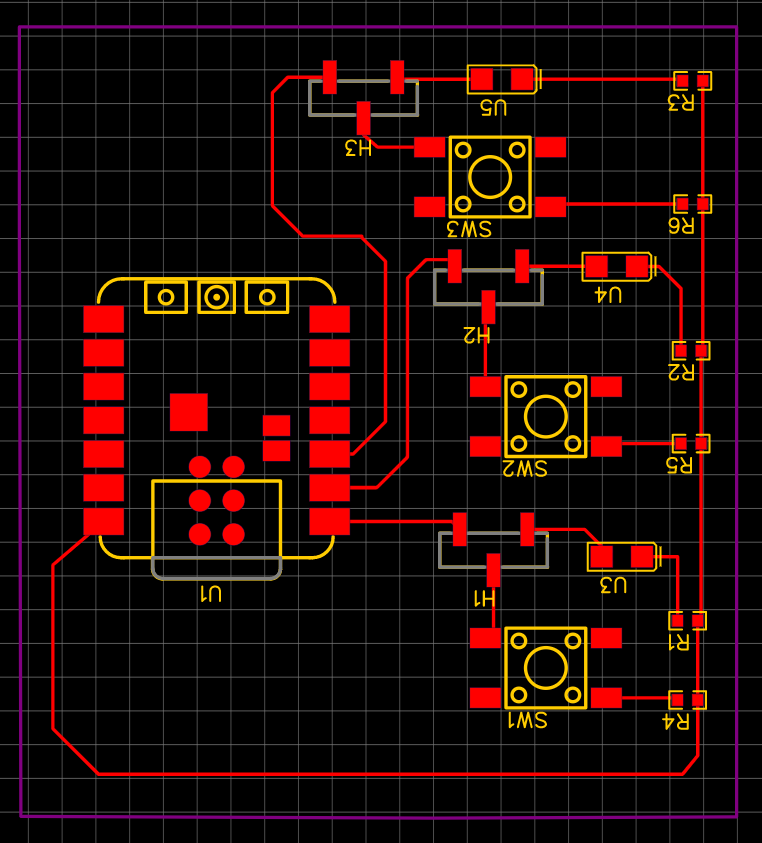
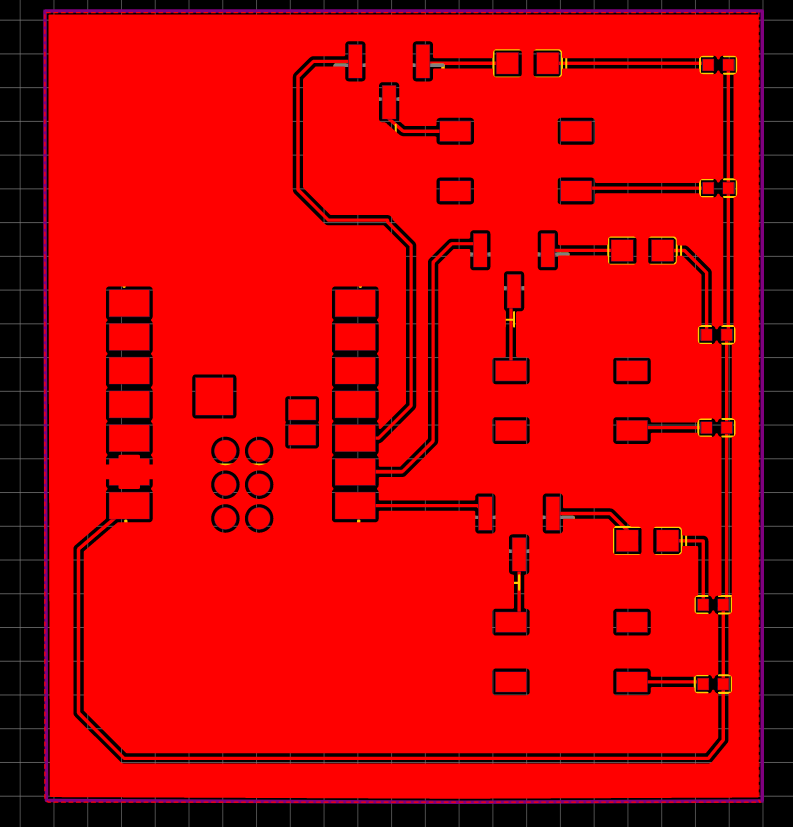
Thus after adding tripins from library I was able to obtain following sketch below. One thing to note when wiring the PCB board is to make sure none of the wires cross each other and have enough space between each wire. When welding the PCB boards space is crucial so wires don't get mixed up. Placing components to areas where they can connect easier or even rotating them is needed to create a clean wiring on PCB. (I started rotating to help connect but ended up rotating everything hence why it looks upside down)
 |  |
JIA LI CHUANG ORDER
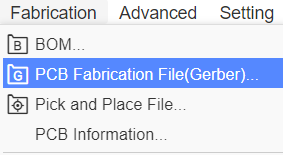
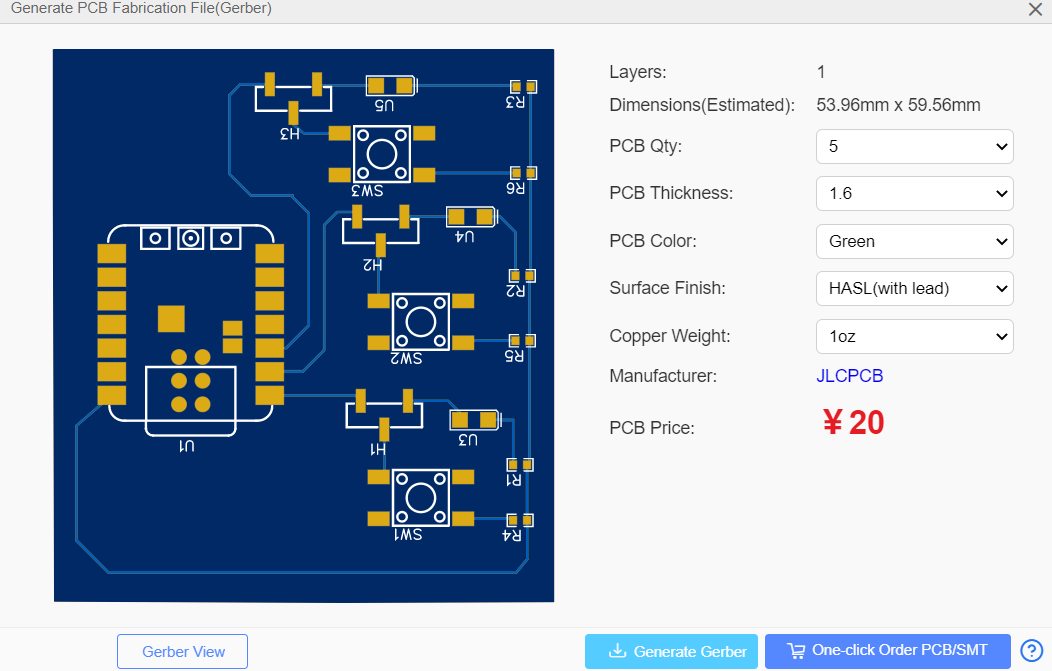
Once the PCB wiring is done, under fabicration select PCB fabicration. This will lead to the screenshot on the right. You can choose some settings of your PCB board before generating a Gerber. This is needed when you are ready to order PCB online.
 |  |
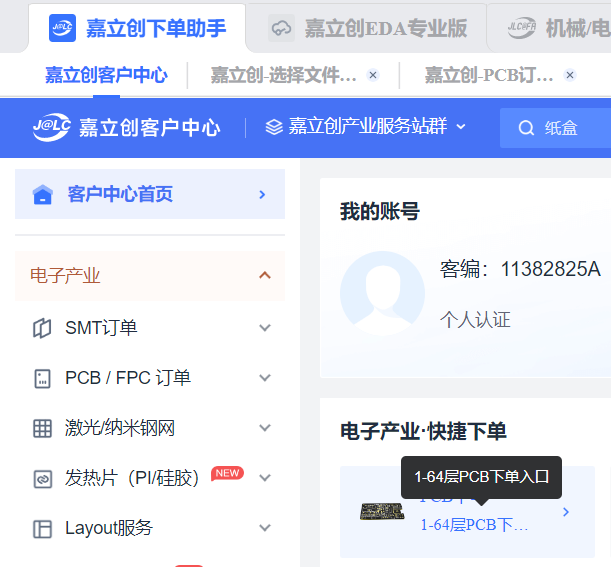
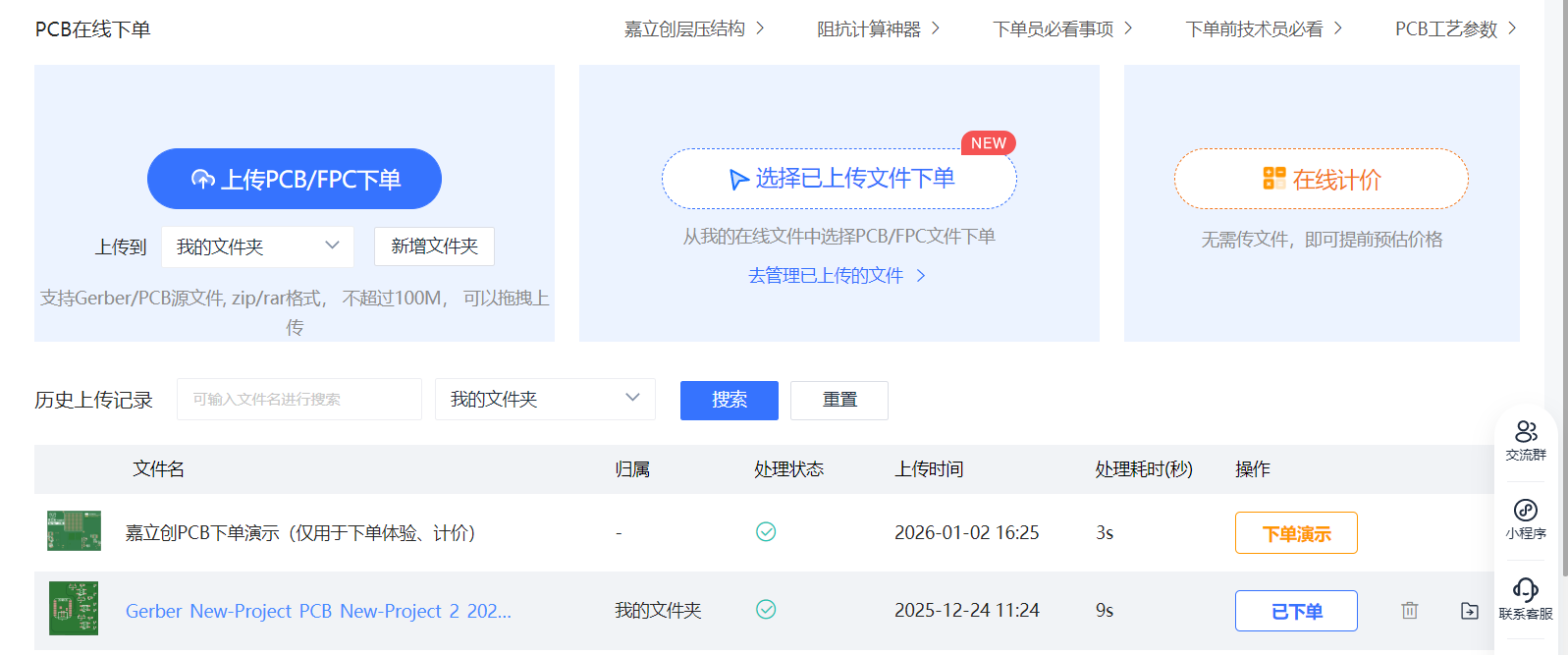
Now to order "嘉立创下单助手" is needed. This can be done through webpage or app downloaded. In my case I downloaded the app to use coupons for new users. After logging in (Uses same login as JIA LI CHUANG EDA) click to order PCB. Then upload the Gerber zip file that was generated earlier. Afterwards it would ask you to fill in settings of your PCB (materials used, how many, adress, contact information etc.)
 |  |
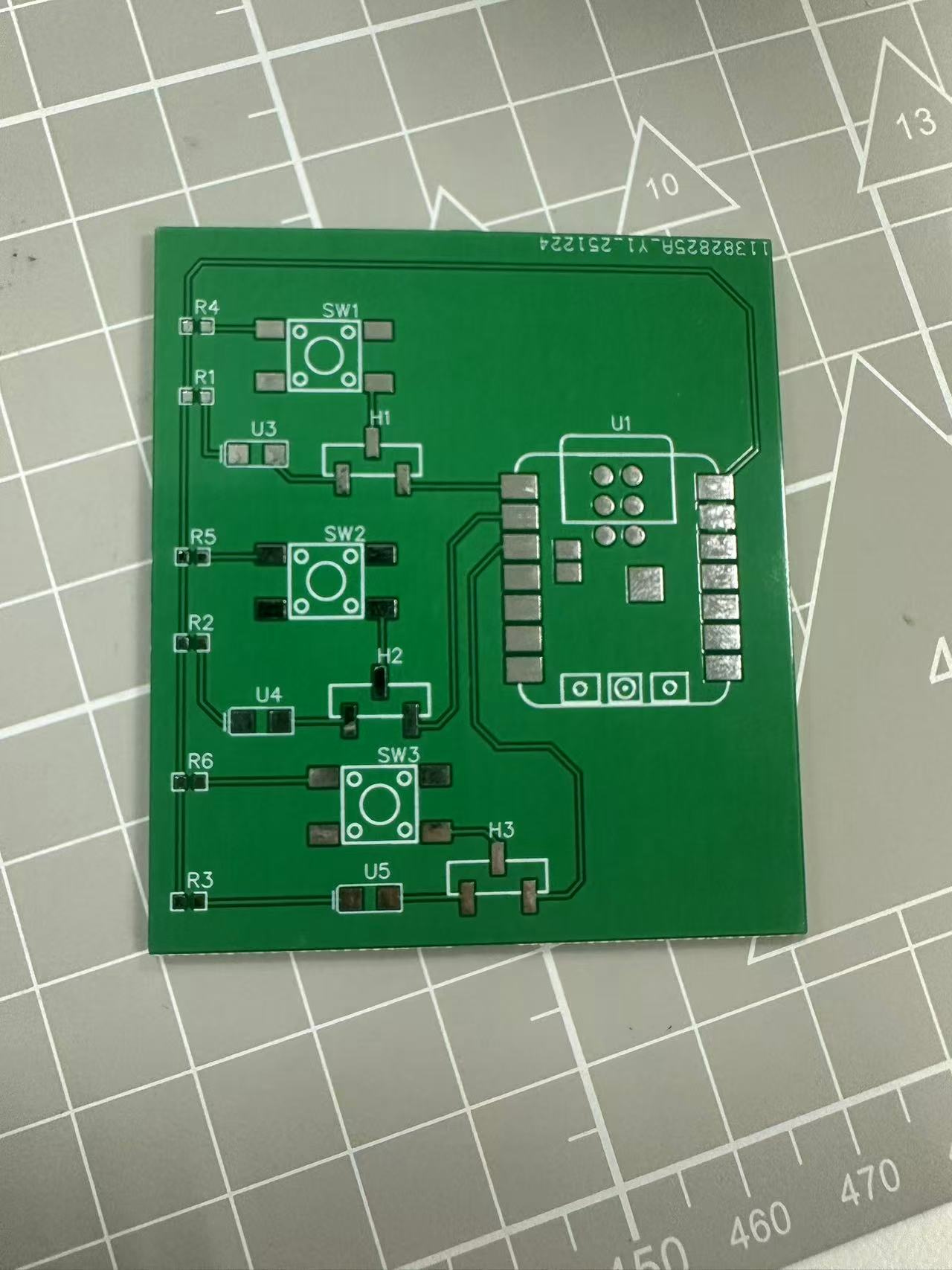
Result looks like this when order arrived.